
Apple Vision Pro
Available on the App Store
WeeLink Client
The headset client for pairing, viewing, and controlling your PC stream.
Open App Store Qapla Games
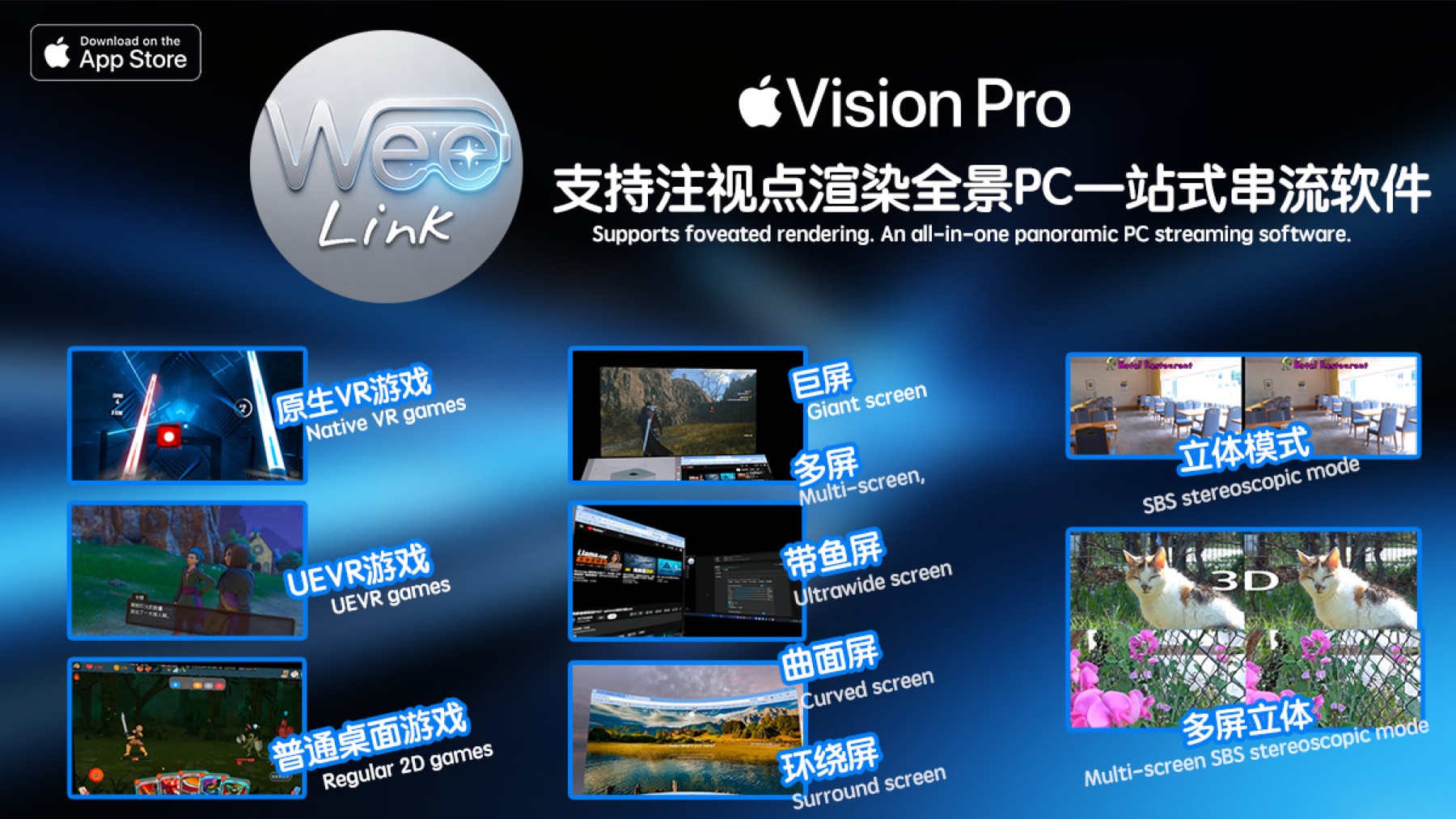

Apple Vision Pro · Foveated Rendering · PC Streaming
A fluid PC streaming experience for Vision Pro, built for focused work, immersive study, desktop control, and high-quality entertainment.
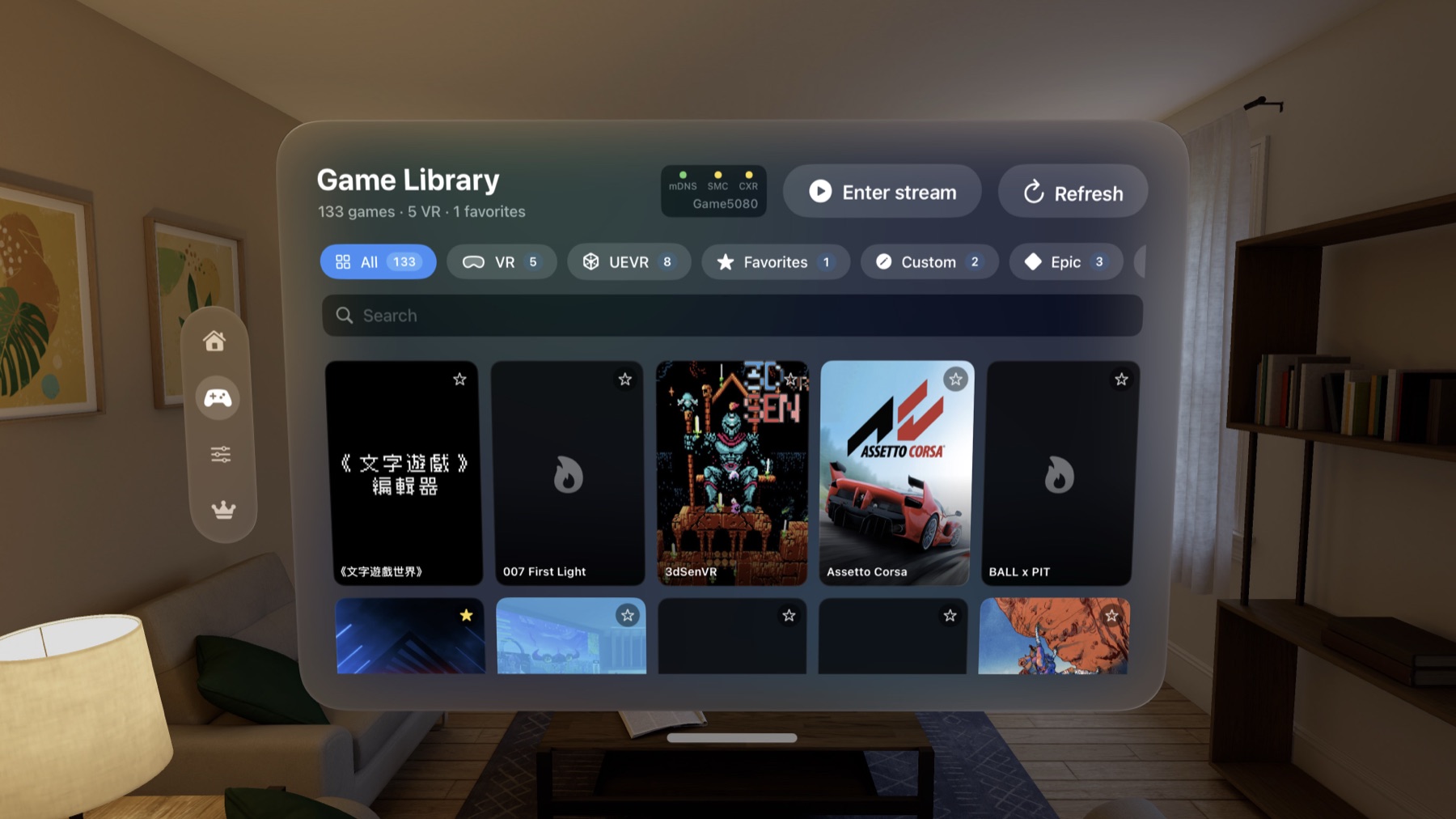
WeeLink connects Apple Vision Pro to your Windows PC, giving you a large spatial desktop and low-friction access to PC content. Use it to work, study, browse, watch, and enjoy PC-side experiences without being tied to a monitor.
More details at weelink.xyz
Vision Pro Client
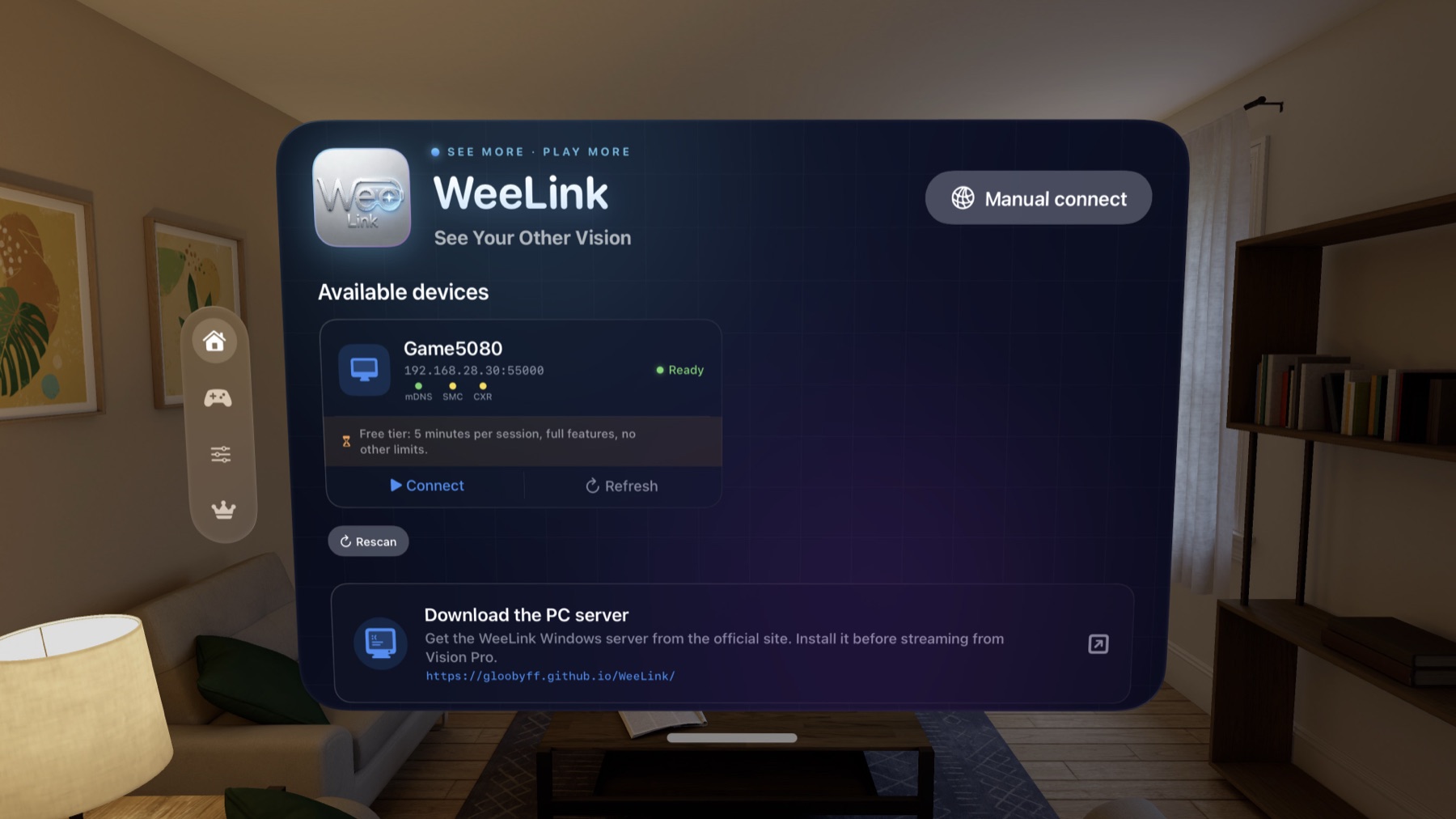
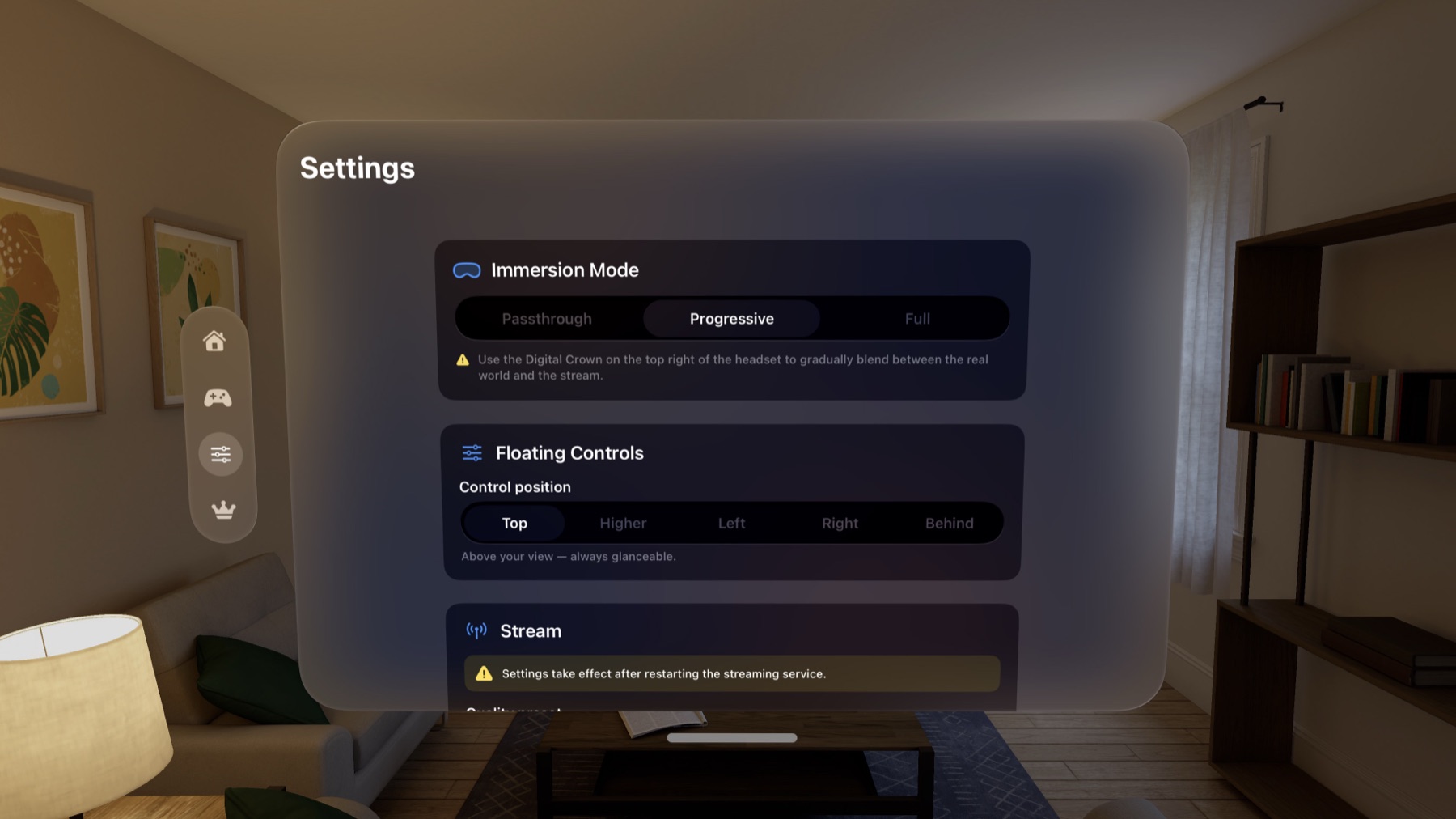
The Vision Pro client is designed for headset-side browsing, pairing, playback, and control. Apple foveated rendering support helps keep the view sharp where you are looking while preserving smooth performance.

Windows Server
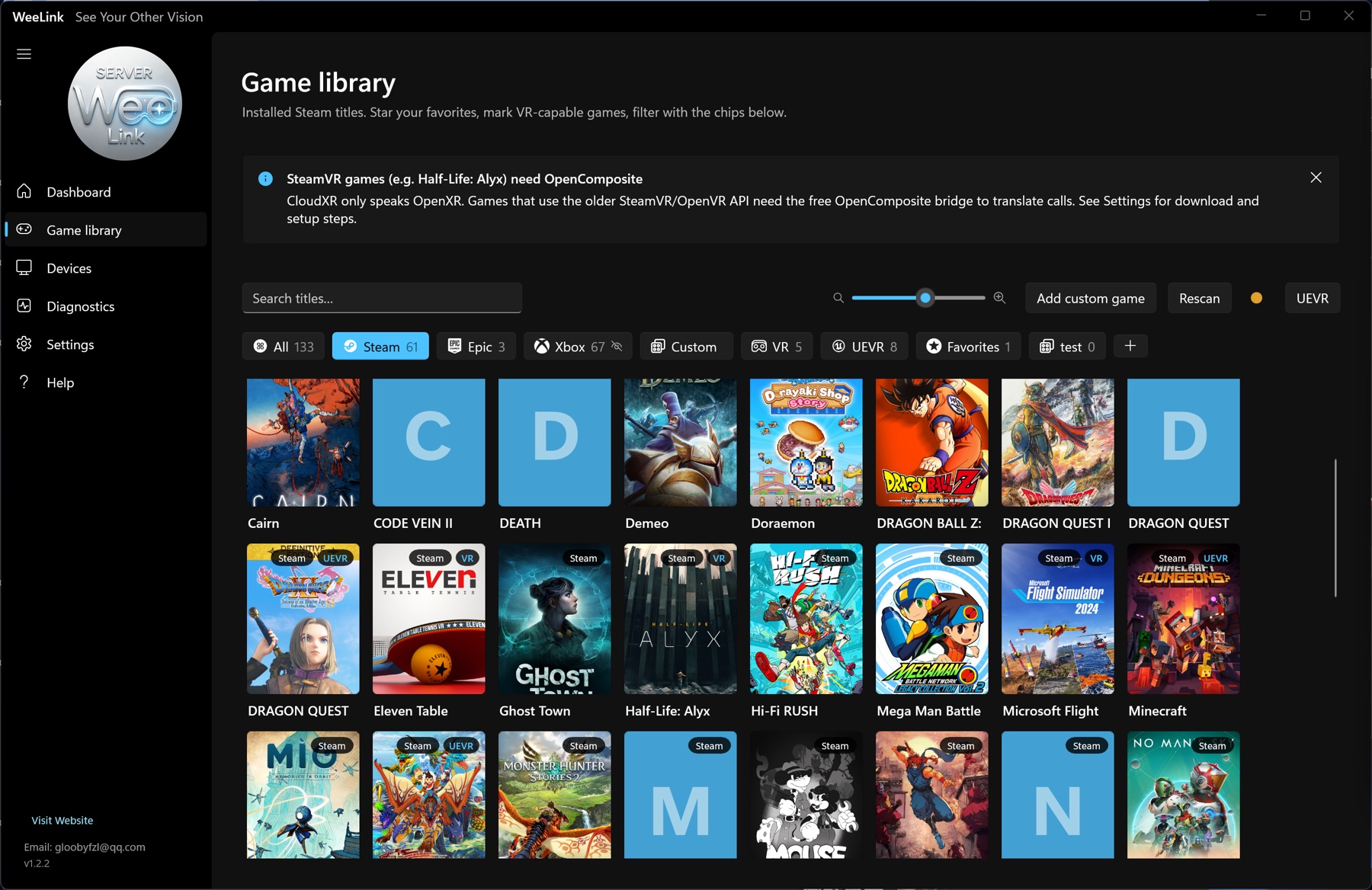
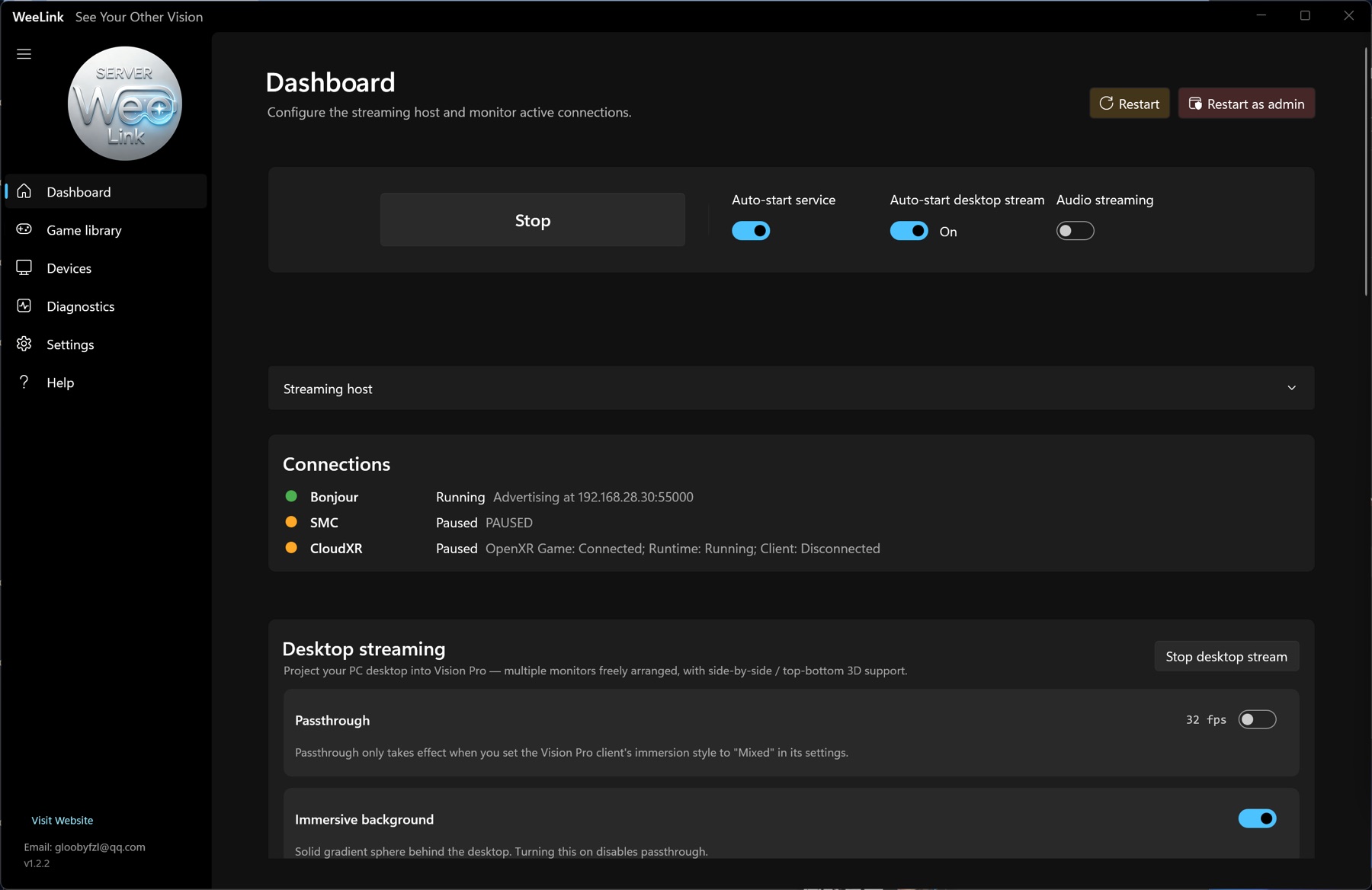
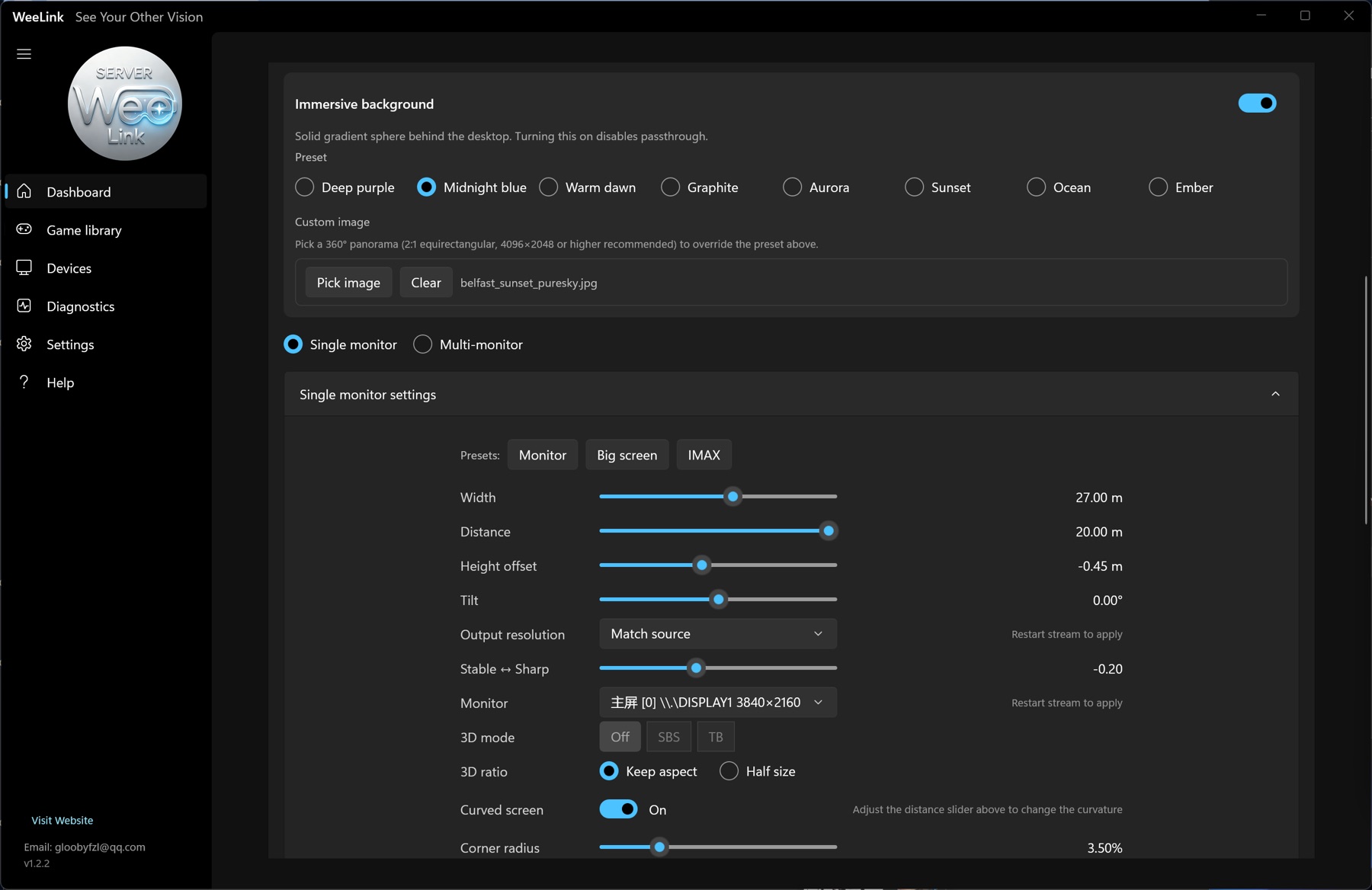
Install the WeeLink server on Windows to manage pairing, streaming status, desktop capture, and local-network connection. The server keeps the PC side straightforward so the headset experience can stay fast and direct.
Downloads
Download the Vision Pro client from the App Store, then install the Windows server version 1.5.1 on the PC you want to stream from.
The headset client for pairing, viewing, and controlling your PC stream.
Open App Store
Windows server installer for streaming, pairing, and PC-side management.
Download 1.5.1