Real bead feeling
Drop beads onto a board with tactile spatial feedback, so creation feels closer to a physical craft table.
 Qapla Games
Apple Vision Pro · Bead Art · Creative Play
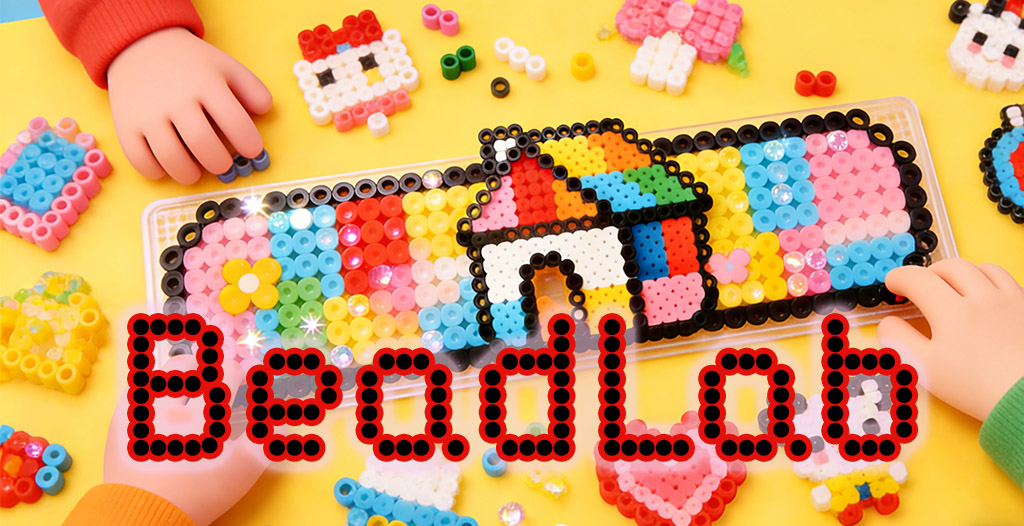
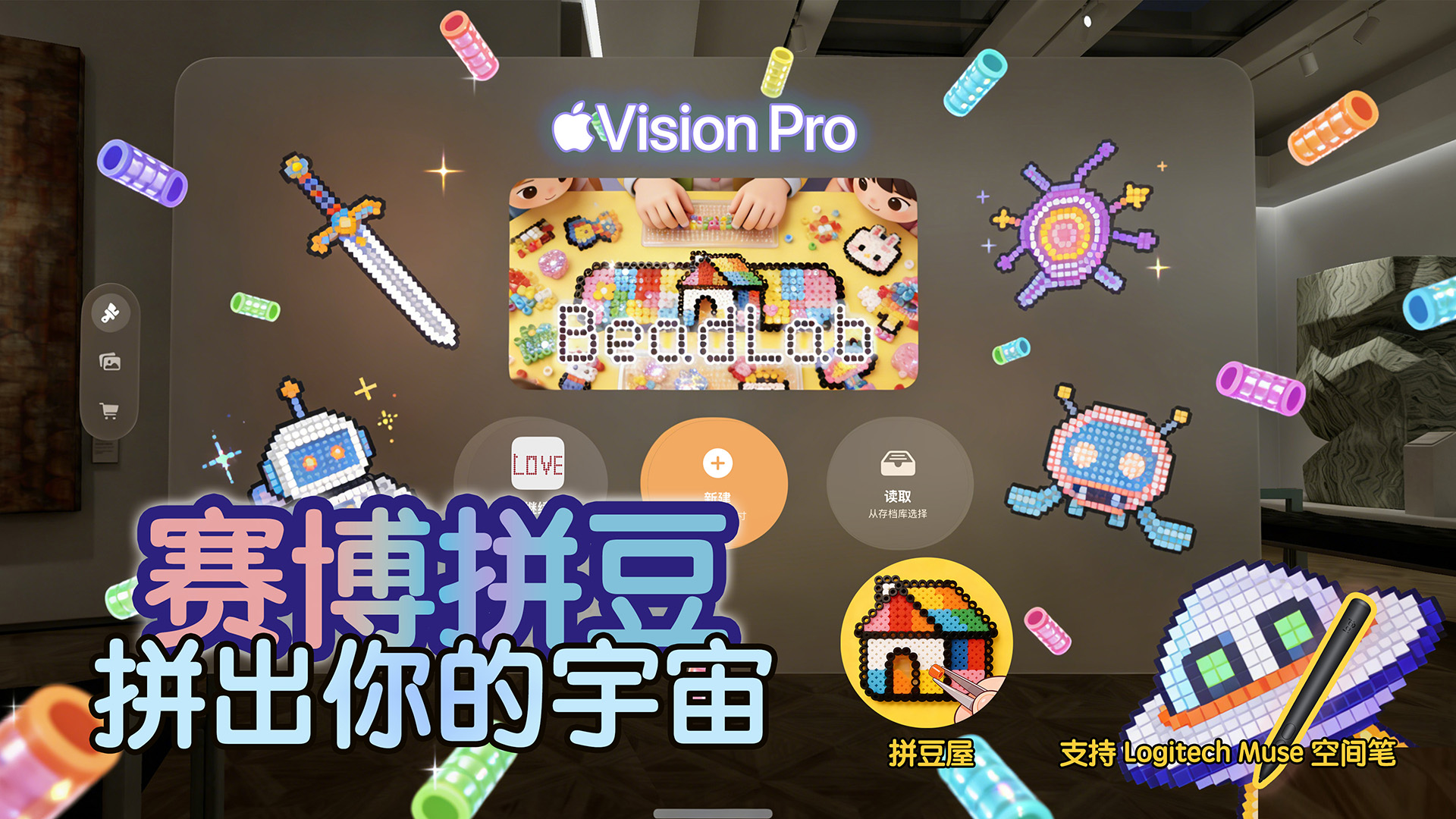
BeadLab turns classic bead craft into a playful spatial studio: place beads like the real thing, sketch freely, follow references, and bring bright pixel-art ideas into mixed reality.
Creative Studio
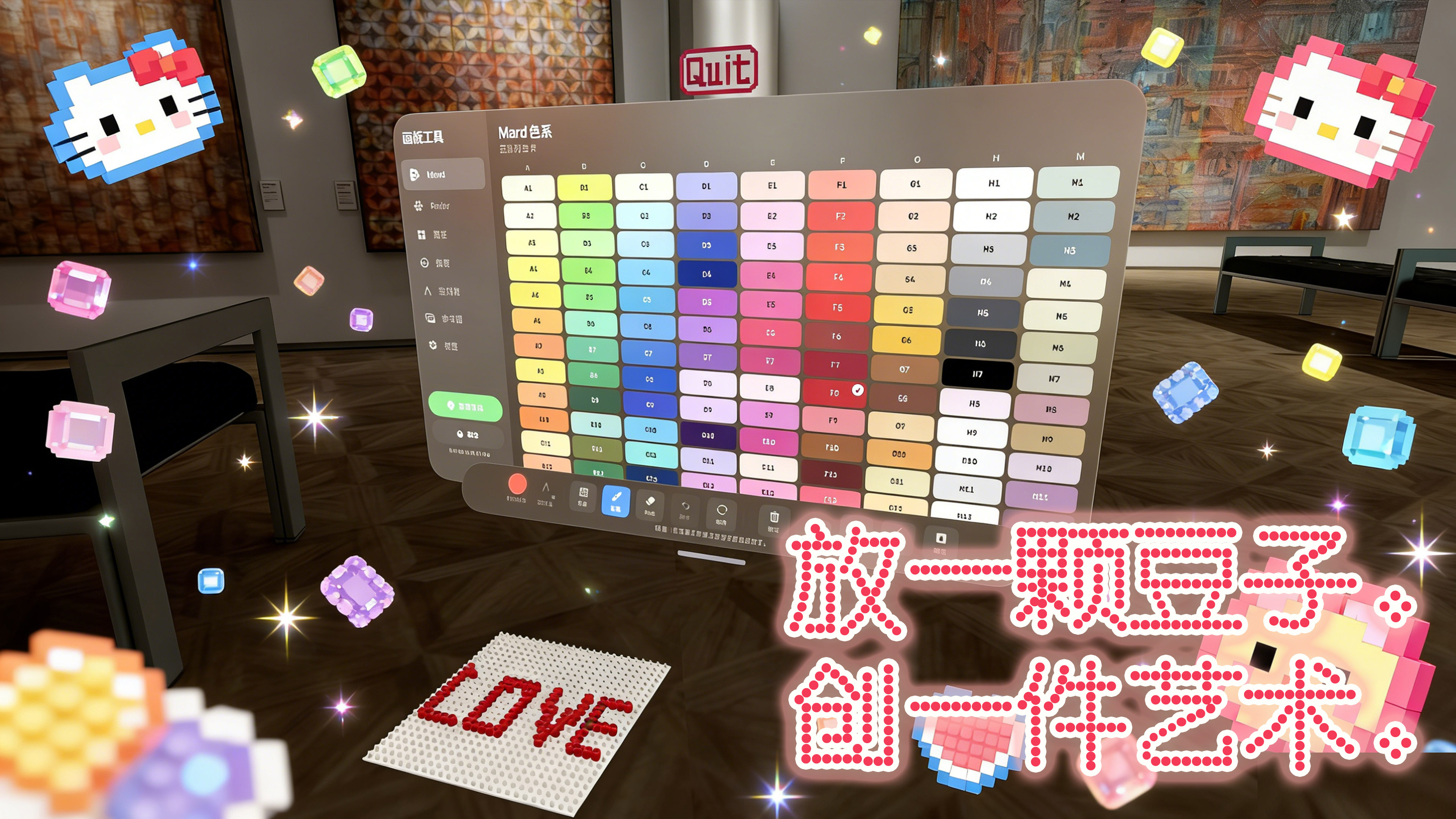
BeadLab is designed for relaxed making. Choose a board size, pick colors from bead palettes, use reference images when you want guidance, or simply draw freely until a playful design takes shape.
Drop beads onto a board with tactile spatial feedback, so creation feels closer to a physical craft table.
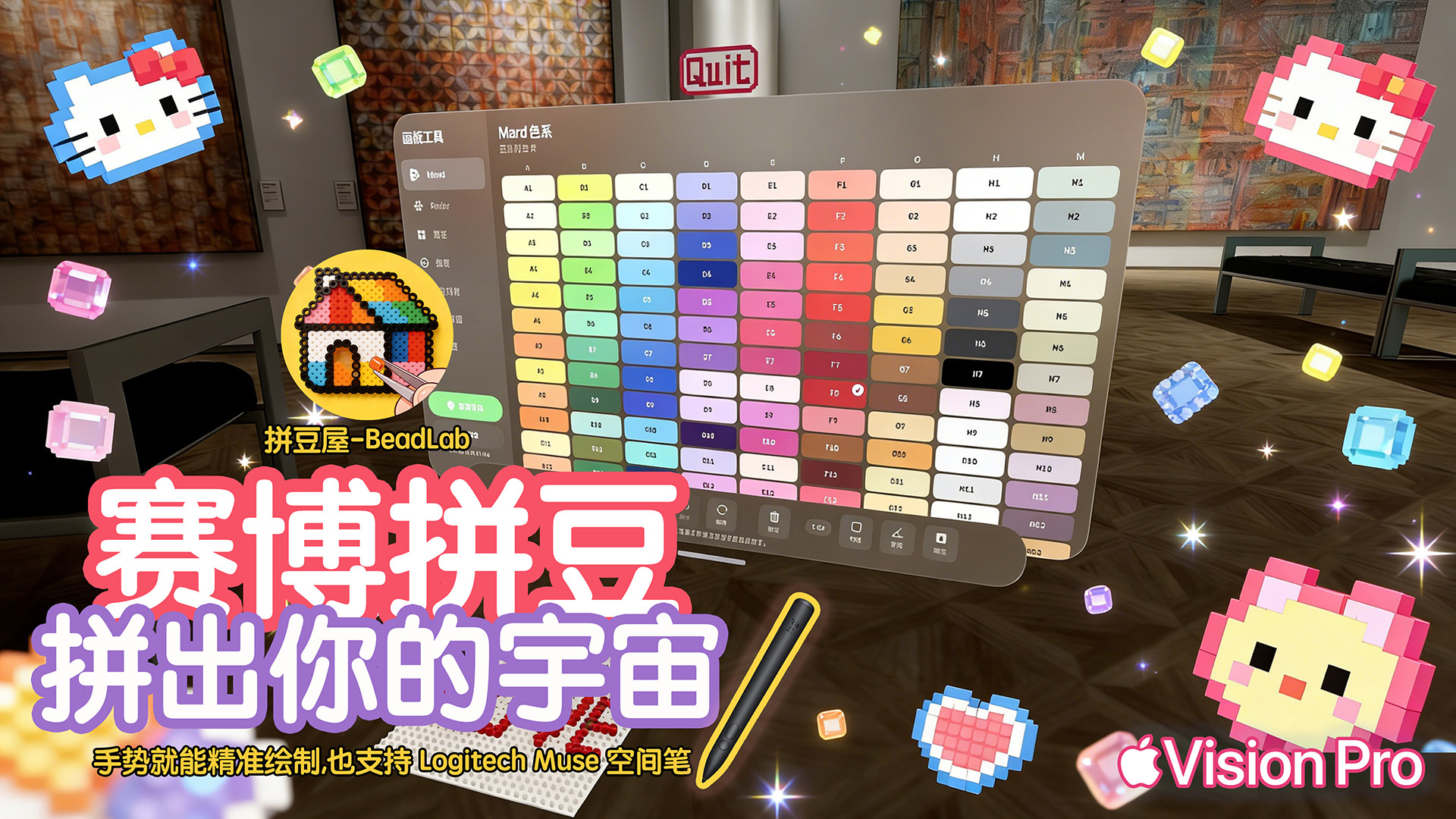
Work with broad bead color systems and quickly switch colors while painting your design.
Bring in images as references, then translate them into bright bead patterns in space.
Save finished works and keep building a personal collection of spatial bead creations.
Realistic Interaction
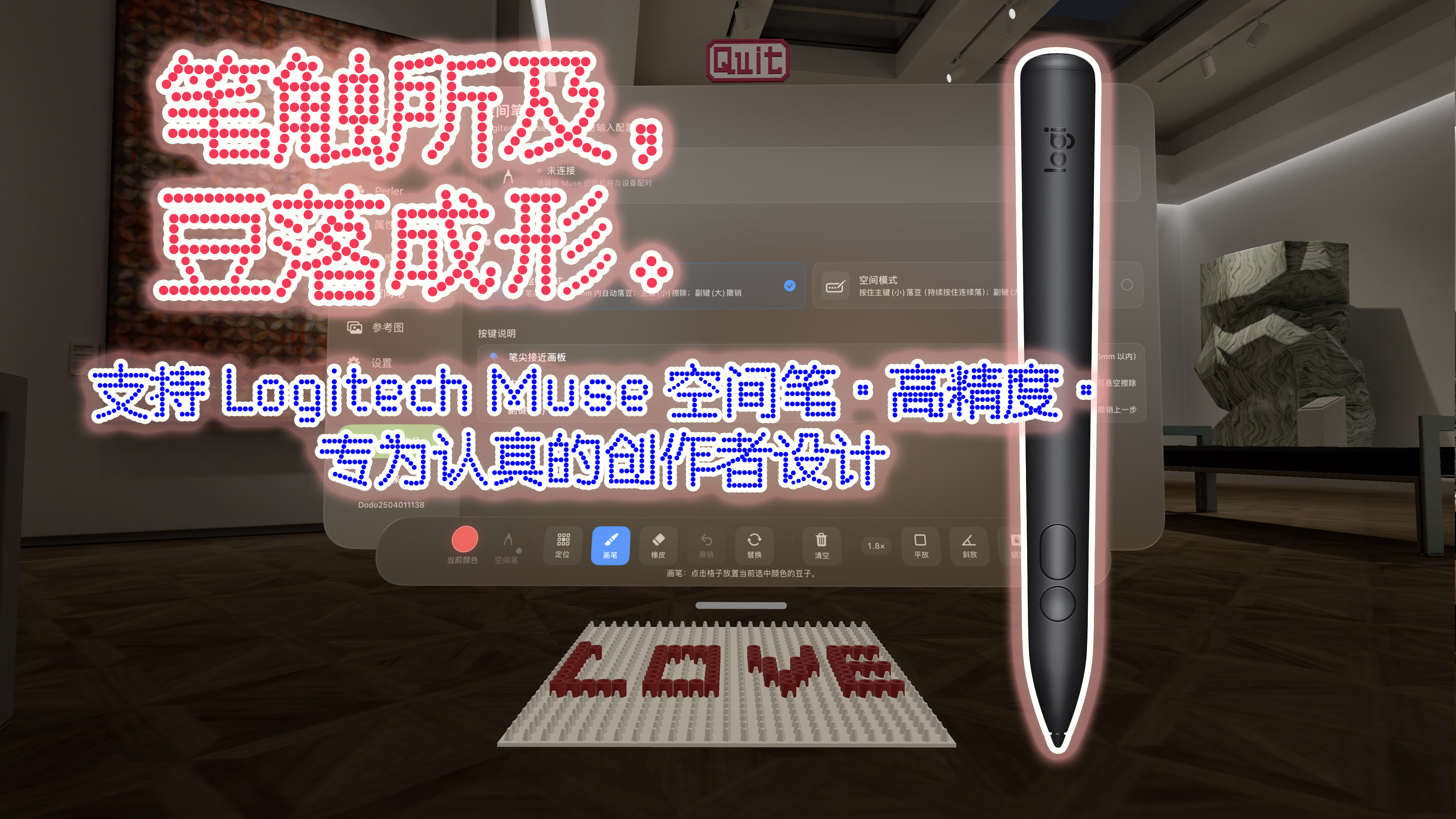
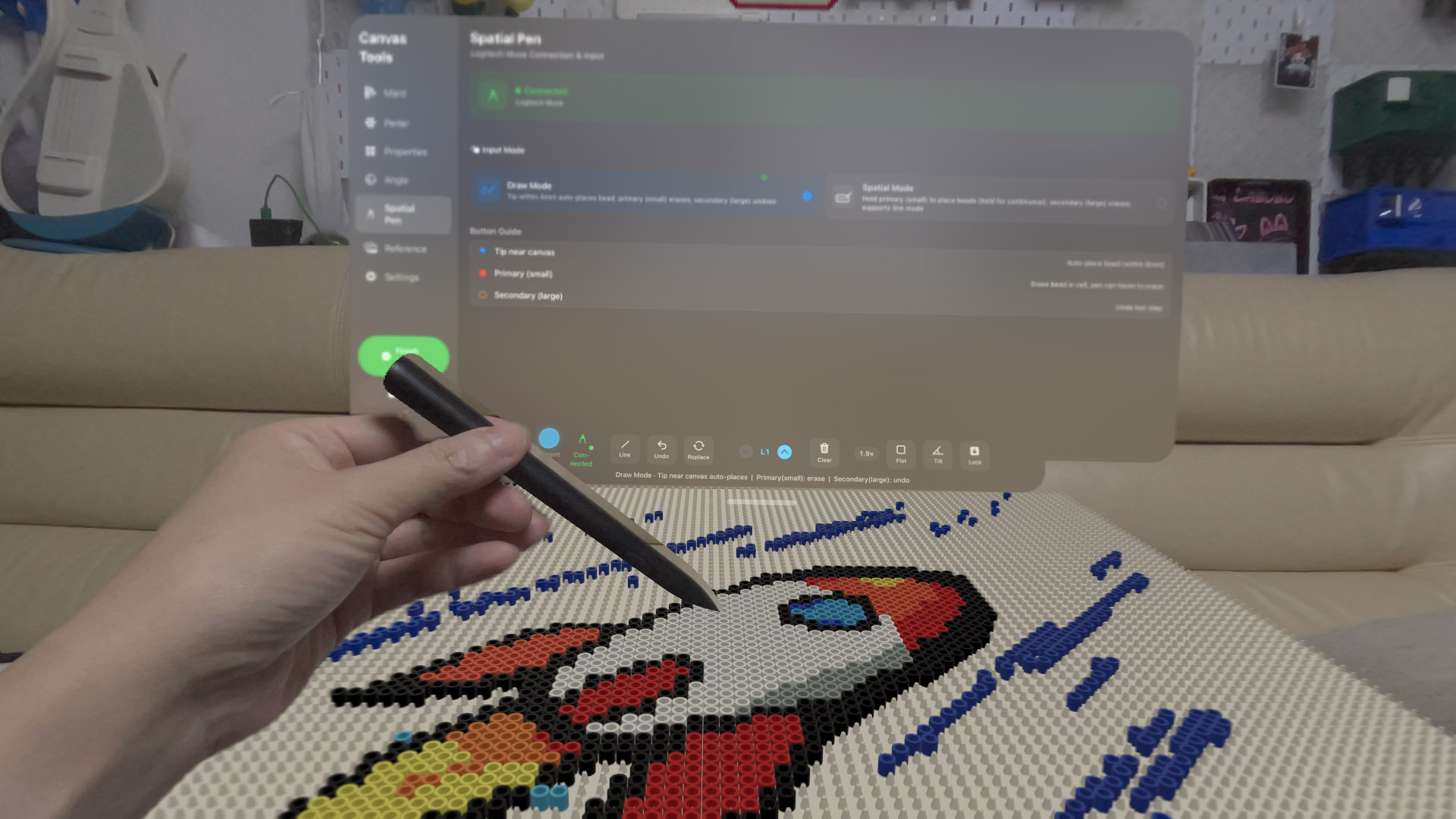
The app supports hand-based drawing and Logitech Muse spatial pen workflows, with bead placement, erase, replace, board angle, and layout controls tuned for a natural creative flow.
Availability
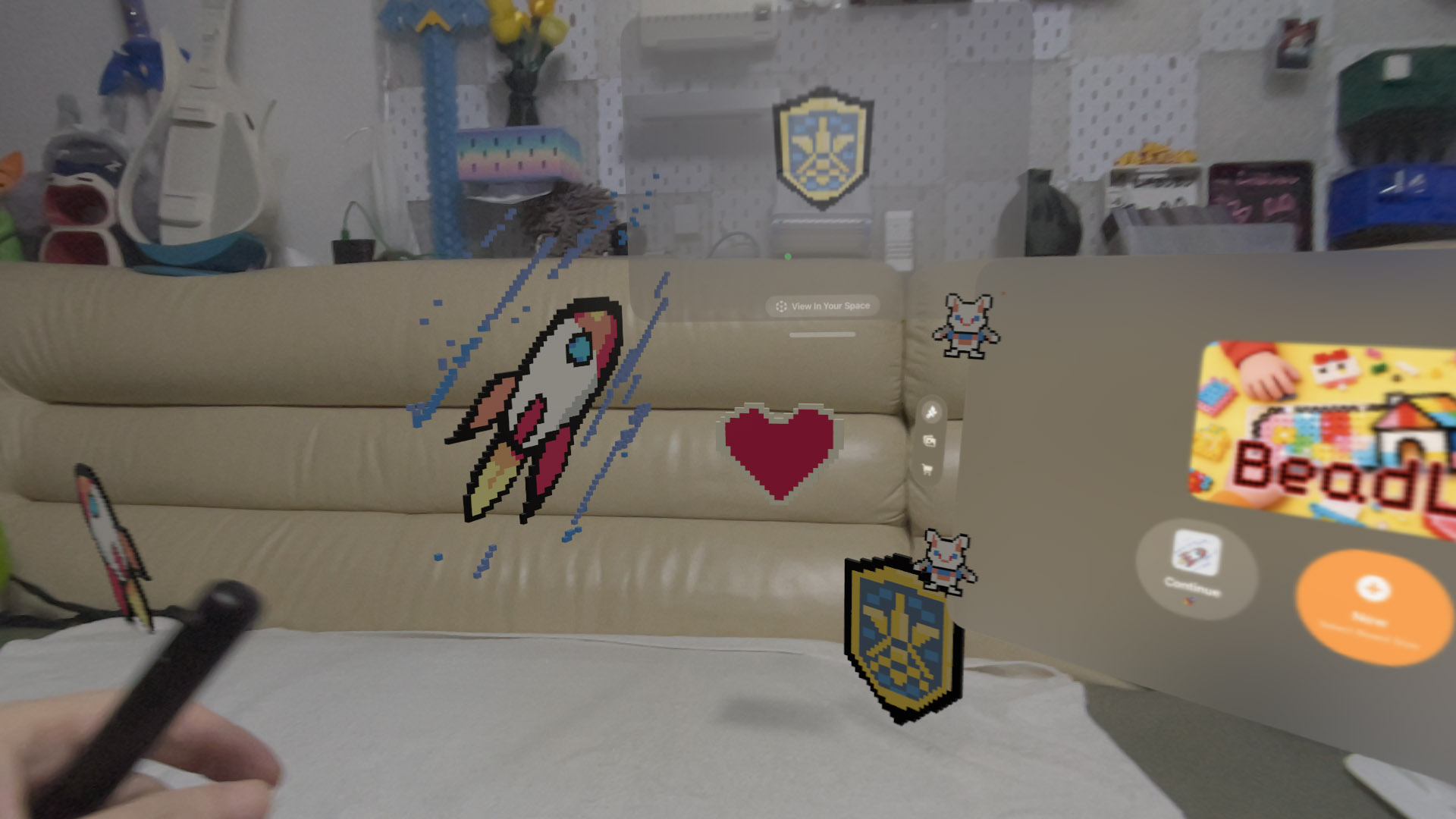
Open a board, scatter color across space, and turn playful bead patterns into your own mixed-reality artwork.
Download on App Store